
Organizing a session shouldn’t be an act of obsession, but of strategy.
After years of editing and mixing narrative content (series, film, advertising), I realized that a well-designed minimal template saves more time than any expensive plugin. It’s not about having everything — it’s about having the essentials… in the right place.
Here’s how I kick off any large session in Pro Tools, starting from the functional structure of narrative sound:
1. Main groups by function
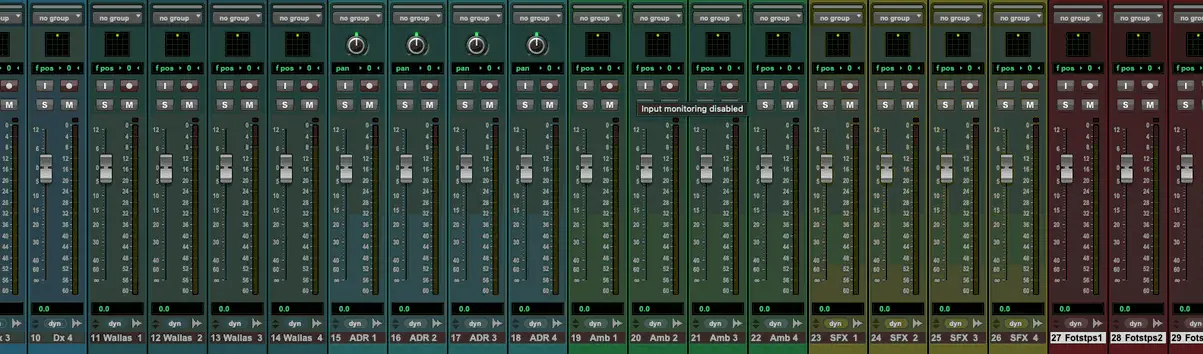
I always organize my session into visual and functional blocks:
- Dialogues
- Futz
- ADR
- Wallas
- Ambients
- Foleys (Footsteps, Clothing, and Props)
- SFX
- Licensed and library music
- Score
This order not only makes navigation easier, but also allows you to hear the script through sound: from voice to environment, from impact to emotion.
2. Clear naming, from the start
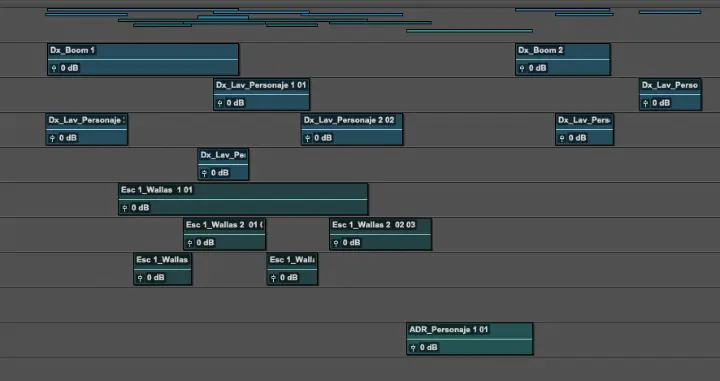
I use simple and descriptive prefixes:
- DX_John_L
- ADR_grandma_whisper
- FX_doorhit
- MX_Spot_Library
- SC_Mainmotif
I avoid the classic “Audio_01” or “final track final V3 final.”
Naming correctly from the start saves hours at the end.
3. Active use of folder tracks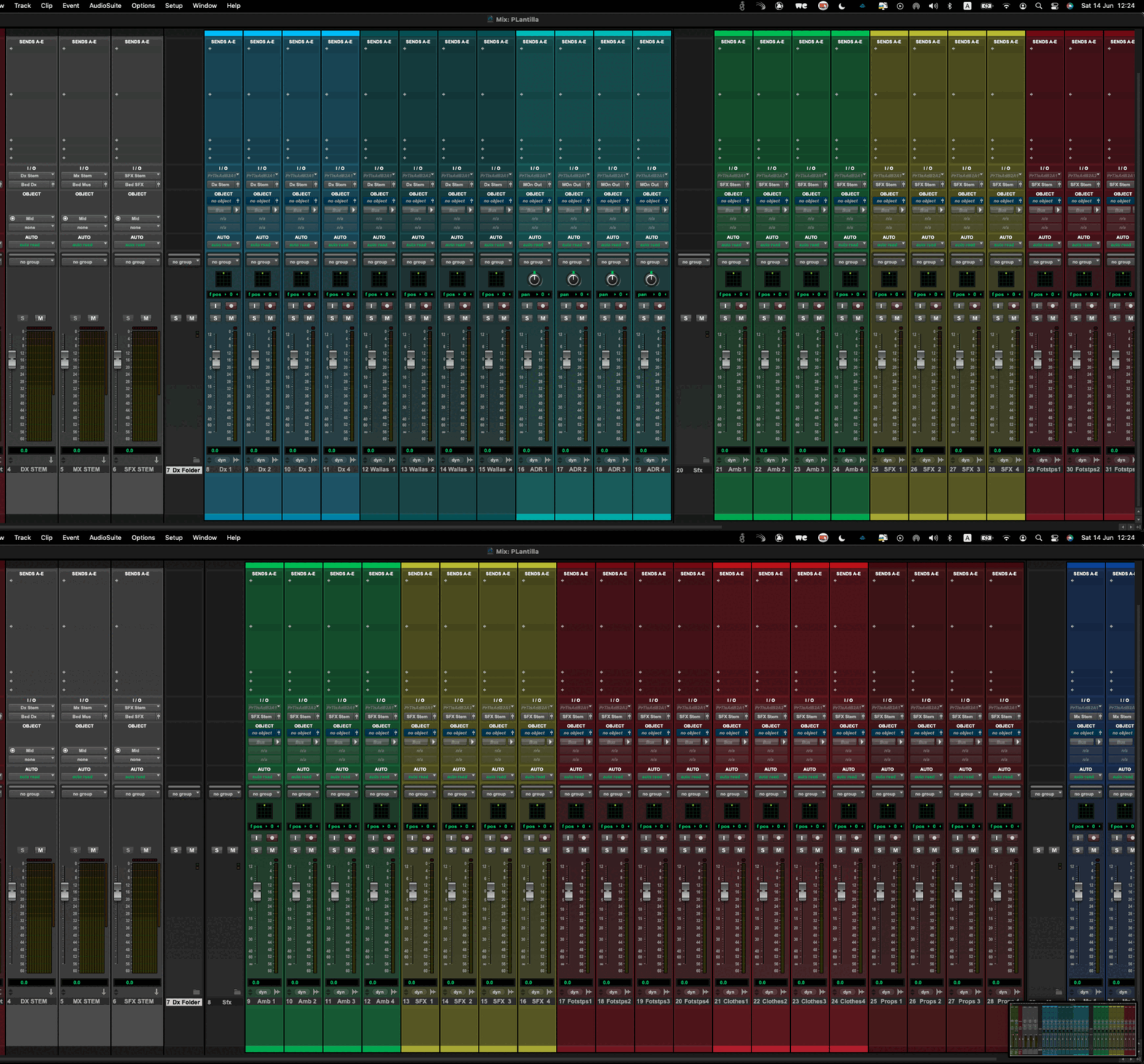
I organize into main folders that I can collapse or expand depending on what I’m working on:
- Dialogues
- Additional voices (ADR, Wallas, Futz)
- Ambients
- Narrative effects(Foleys + SFX)
- Music (licence + score)
Depending on the number of tracks in each category, I divide them into folders or subfolders.
This allows me to work only with what’s necessary and visible at each stage.
4. Predefined buses by function
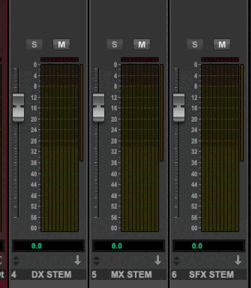
From minute one, I have buses defined for:
- Bus Dx
- Bus Fx
- Bus Mx
This speeds up the workflow: I already know what’s going where, and how each block is being mixed dynamically.
5. Comments and markers for decisions
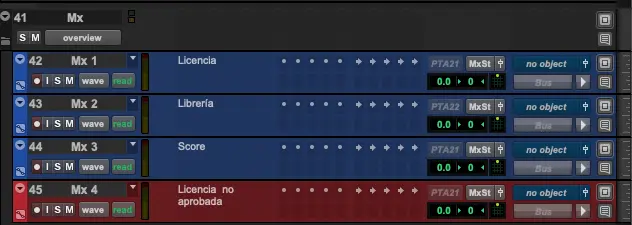
I use the comments field to record key decisions: whether a track is approved, pending review, or locked.
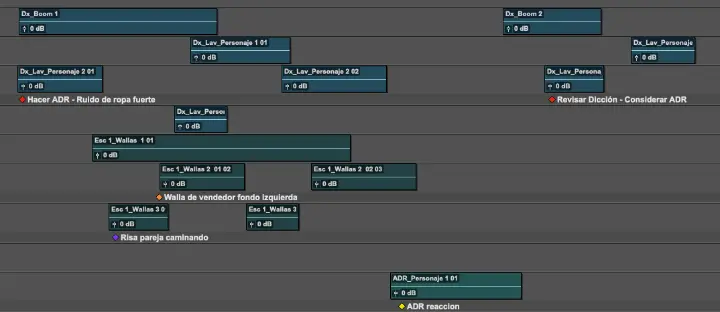
I use markers to note processes or give instructions to other team members.
A clear session is a clear mind.
The less time you spend searching for tracks, understanding workflows, or fixing routings, the more energy you can dedicate to what really matters: telling the story through sound.
My template may not be perfect, but it has helped me deliver with speed, judgment, and a clear head—even on the most complex projects.
How do you structure your sessions?